
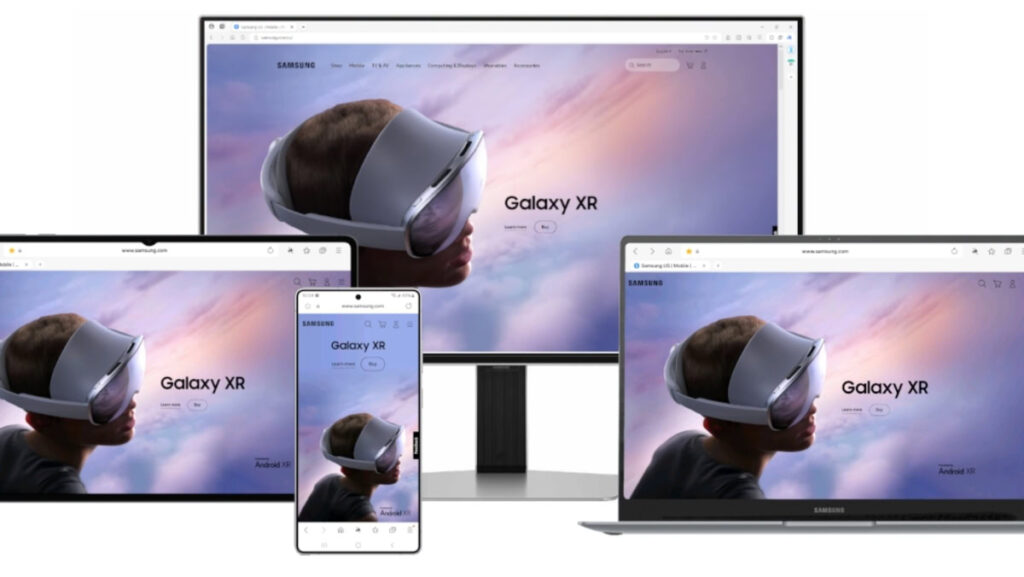

Samsung has released a new update for its Samsung Internet browser for Windows, introducing several key improvements and optimizations. This update aims to enhance the desktop experience following the browser’s beta launch earlier this year. The focus is on upgrading the overall experience rather than adding new features, with performance enhancements and bug fixes included.
The update brings meaningful improvements to existing features, notably enhancing performance for Galaxy AI-powered translation. This allows for faster and more accurate translations when browsing foreign-language websites, benefiting users who rely on real-time translations for work or research by reducing delays and improving efficiency. Additionally, the update addresses common issues, including a fix for the Calendar Quick Add function, and improves reliability for scheduling and task management.
While the changes may seem minor, they play a significant role in refining the overall user experience. The browser is still in its early phase and is not as mature as competitors like Microsoft Edge or Google Chrome, so performance-oriented updates could provide a competitive edge.
To install the update, users can open Samsung Internet for Windows, click the menu icon in the top left corner, and navigate to Settings. By selecting About Samsung Internet, they can view the current version information. If the update has been downloaded automatically, the browser will prompt users to relaunch to complete the installation. If not, a button will be available to download and install the new version.
—